

Tools are Python
functions – “tool” and “function” refer to the same feature, and the {"{{fn:…}}"} reference syntax below keeps the fn: prefix for backward compatibility.Actions vs Content
Tools only run when referenced from the Actions field. Content is what the agent says; Actions are what the agent does next. If you come from an intent-based background, the mental model is:| Field | Equivalent | Visible to retriever |
|---|---|---|
| Content | say function | Yes |
| Actions | transition function | No |
{"{{fn:...}}"} in Content will not call the tool and produces no error – the reference is treated as plain text.
Adding a tool
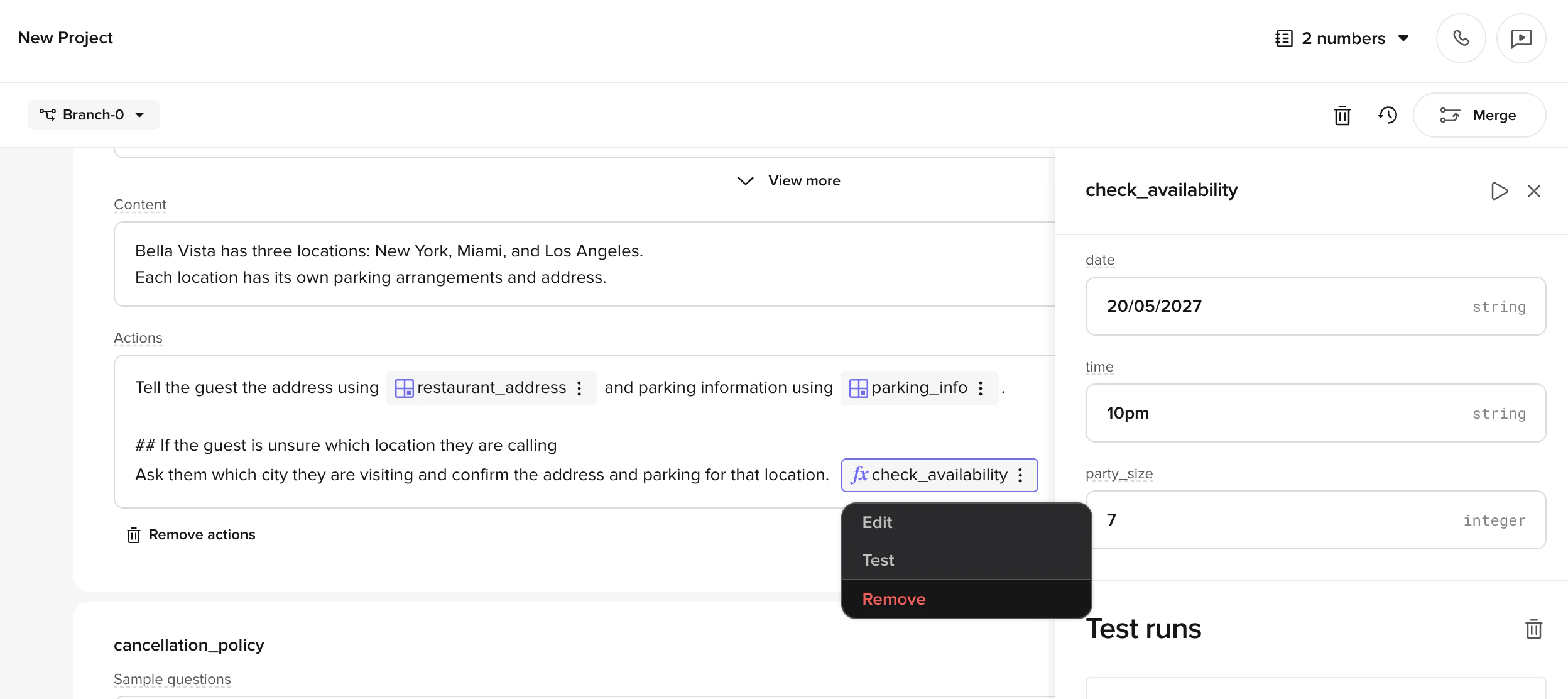
Add a tool to the Actions field of a managed topic in three ways:- Type
/in the Actions field - Right-click in the Actions field
- Click the + icon on the right side of the field
{"{{fn:...}}"} vs {"{{ft:...}}"} syntax
The {"{{fn:...}}"} syntax references global tools (also called global functions), which can be used across topics, flows, and rules. This is different from transition functions ({"{{ft:...}}"} syntax), which are scoped to a single flow.
Known limitation: tools in flows
If your topic detours through a flow and needs to return to the original topic afterwards, see Returning to the topic after a flow for the state-preservation pattern (storing the originating topic inconv.state and using the flow’s exit function to direct the LLM back).
Example prompt
Use this pattern in the Actions field to ensure the agent calls a tool before responding:Controlling agent behavior after a tool call
Tools can return values that control what the agent says or does next – for example, returning an exactutterance for the agent to speak, triggering a handoff, or ending the call with hangup.
See Return values for the full reference.
Testing
Save and open the test panel
Save your agent and click Play in the header to open the test chat panel.
Test the invocation
Ask a test question like “Where is my order?” and observe how the agent handles the interaction.
Related pages
Send SMS actions
Trigger SMS messages from Managed Topic actions.
Handoff actions
Transfer callers to live agents from topics.
Create a tool
Set up a new tool with parameters and Python code.
Return values
Control agent behavior with tool return values.