

Available diagnosis layers
Conversation variables
Displays live variable values captured during the call (for example, booking IDs, customer names, flags), with diff markers when a variable changes turn-to-turn.Flows and steps
Tracks the agent’s navigation through flows and steps, showing the execution path and the decisions made at each branch.Tool calls
Shows the tools the agent triggered during the call, including call parameters and outcomes.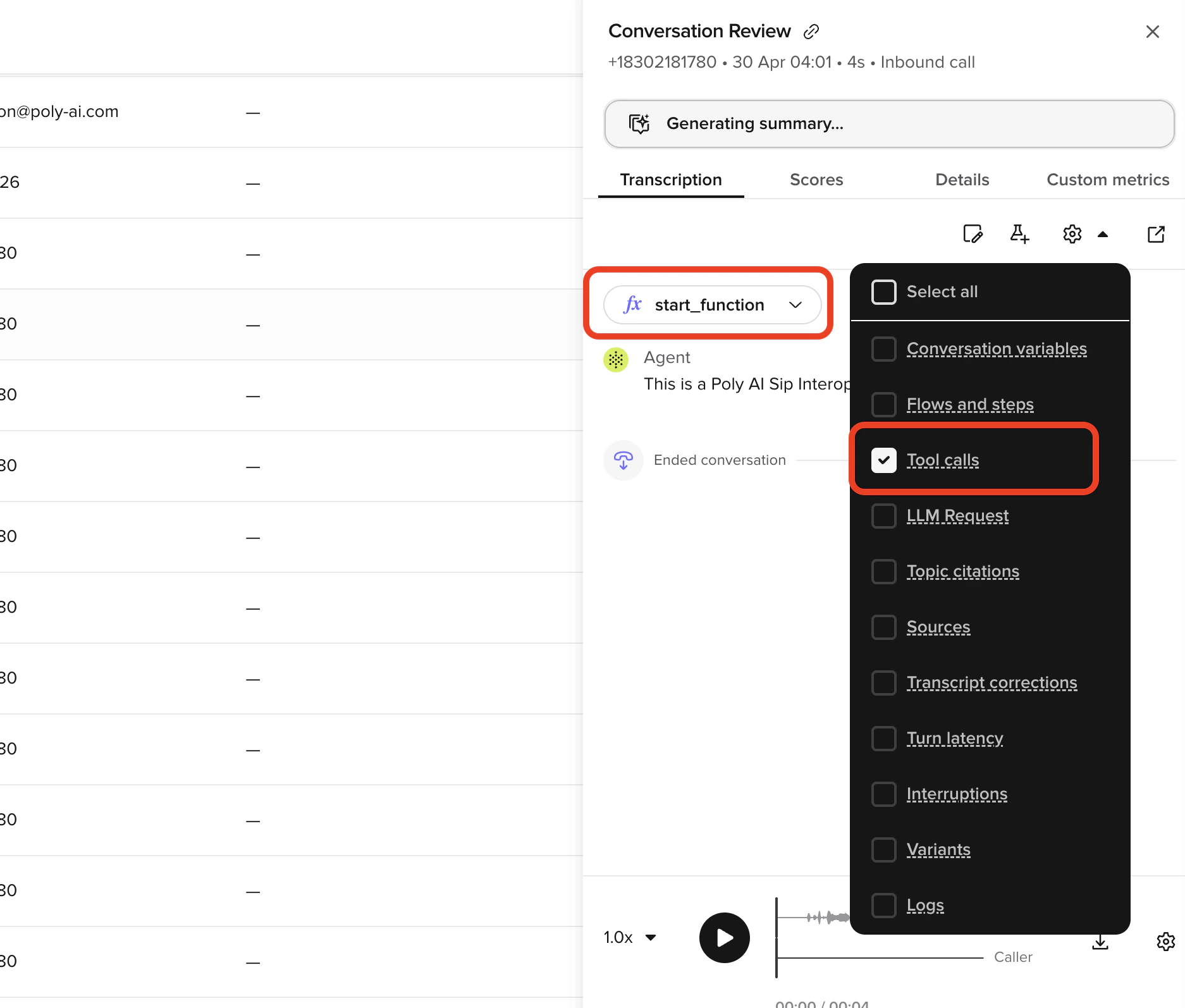
Topic citations
Highlights the Knowledge topics the agent matched for each response.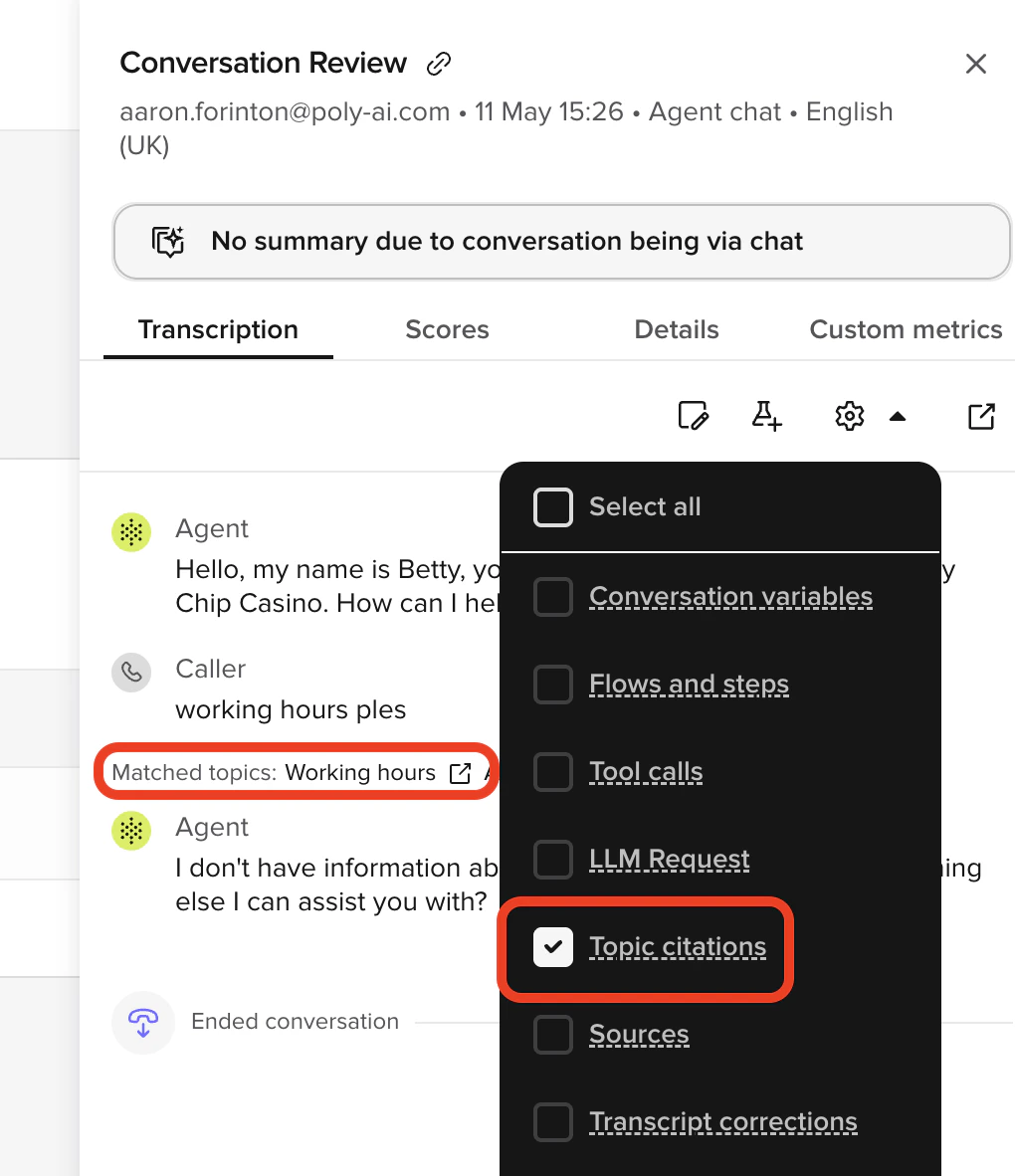
Sources
Shows which Sources source files the agent retrieved for each turn. Click a source name to open an inline preview panel showing the retrieved content. Use Open in Knowledge in the panel to navigate directly to the source.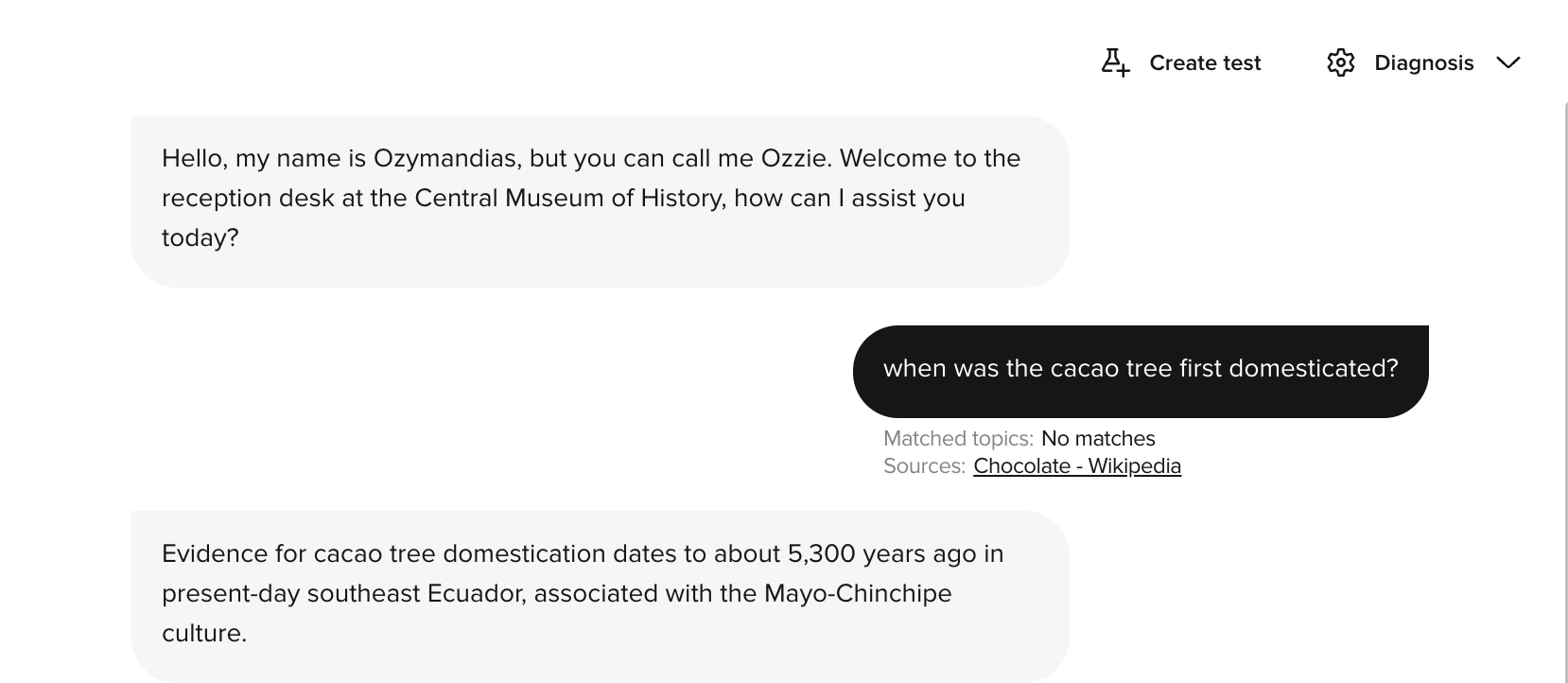
Transcript corrections
Displays where the automatic transcript was edited for clarity or accuracy. Use it to distinguish ASR errors from agent logic problems.Turn latency
Measures how long the agent took to respond at each turn.Latency visualization includes component-level timing breakdowns.
Latency breakdown
When viewing turn latency, you can inspect timing for:
Use these breakdowns to:
- Identify slow function calls that need optimization
- Understand LLM response times for different query types
- Find bottlenecks causing user-perceived delays
- Compare latency across different conversation types
Interruptions
Shows when the caller interrupted the agent, or when barge-in was detected. Use this to understand if caller behavior affected the conversation flow.Variants
Identifies which variant handled each part of the call.Logs
Displays structured runtime logs emitted from your functions during the call. The Logs layer surfaces:- Entries from
conv.log.info(),conv.log.warning(), andconv.log.error(). - API response logs from
conv.log_api_response().
conv.log API.
Entities
Lists extracted entities captured from the user, like booking numbers, account IDs, or city names. Especially useful in transactional scenarios where the agent needs to capture structured data from free text.Using diagnosis for optimization
Combine multiple layers to understand agent behavior:- Enable Turn latency to identify slow responses.
- Check Tool calls for those turns to see if external calls are causing delays.
- Use Sources to verify the content the agent retrieved from Sources.
- Use Flows and steps to confirm the agent followed the expected path.
- Use Logs to read structured
conv.logoutput and API response payloads emitted by your functions.