

Managed or self-serve?
Both types are embedded in Agent Studio. You do not need a separate login or an external tool.
Find your dashboards
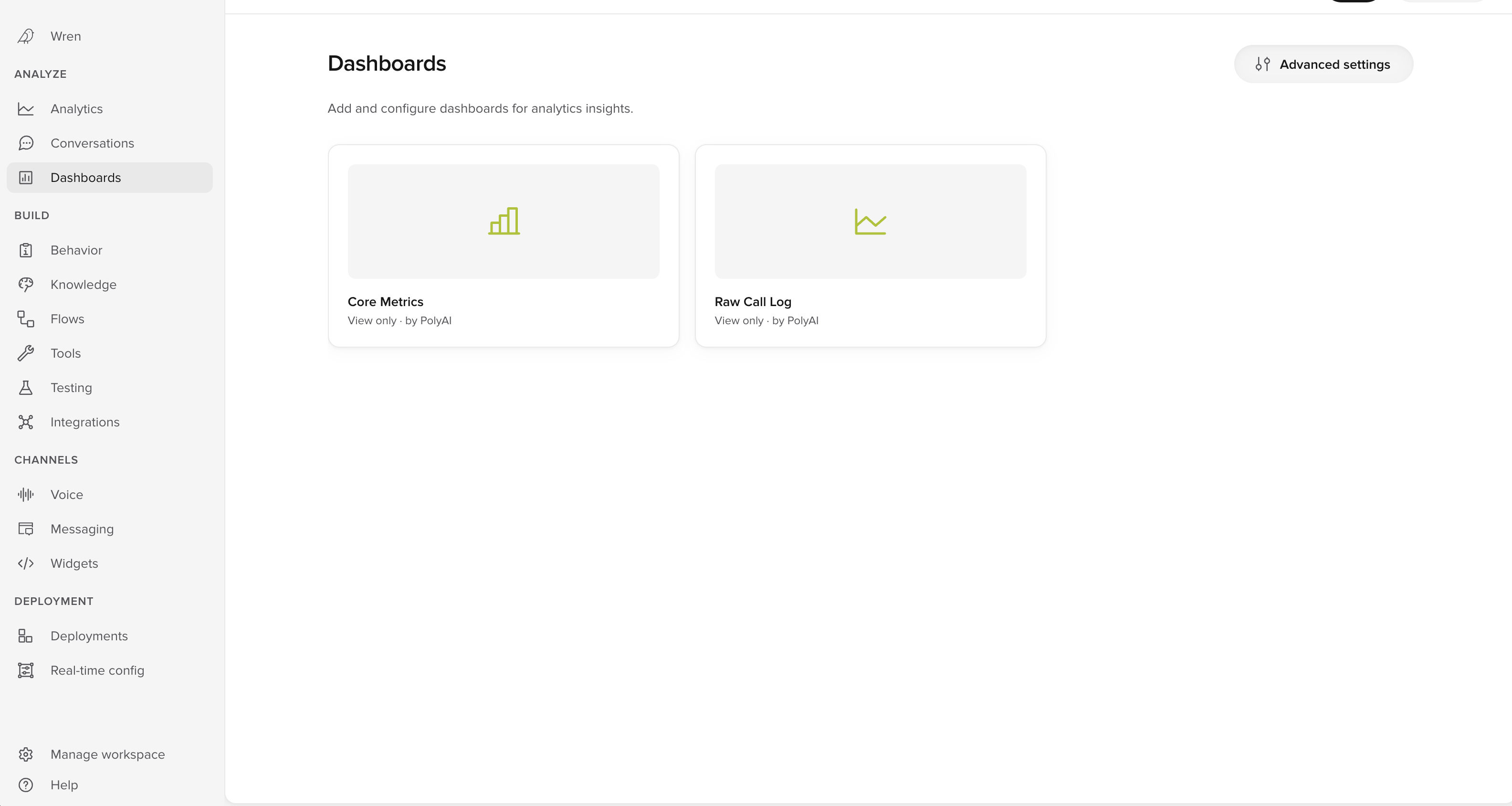
- In the left menu, select Dashboards under ANALYZE.
- Select the dashboard you want to open.
What a managed dashboard includes
A managed dashboard can track any combination of metrics relevant to your use case. Common examples include:
Managed dashboards run on Amazon Quick (formerly Amazon QuickSight). PolyAI manages that connection for you.
How to get a managed dashboard
Managed dashboards are available to enterprise customers.- Contact your PolyAI account manager.
- Agree the metrics and KPIs you need.
- PolyAI designs and builds the dashboard.
- Review the dashboard in your Sandbox environment.
- PolyAI deploys it for your team.
Advanced settings
Select Advanced settings to see the dashboard connection for your project. PolyAI configures this during setup, so most teams never need to open it. It is where a dashboard gets linked, given a URL name, and scoped to a single project. If a dashboard fails to load, the page reports one of two problems:- The dashboard is not available on Amazon Quick. Check that it still exists.
- The dashboard filters are configured incorrectly on Amazon Quick.
QuickSight Authoring
QuickSight Authoring lets your team create and edit QuickSight dashboards directly. Use it when you want to change a managed dashboard without a request to your account manager. Two conditions apply:- QuickSight Authoring is available on demand to enterprise customers. To enable it, contact PolyAI.
- Only users with admin permissions can use it. If you do not have admin permissions, you do not see the tab.
- In the left menu, select Dashboards under ANALYZE.
- Select Advanced settings.
- Select the QuickSight Authoring tab.
Related pages
Self-serve dashboards
Dashboards you build yourself, under Analyze > Analytics.
Custom metrics
Define the metrics that power dashboard widgets.
Analyze conversations
Ask Wren about your conversation data in natural language for ad-hoc analysis.