

Sources in Conversation Review
Sources in Conversation Review
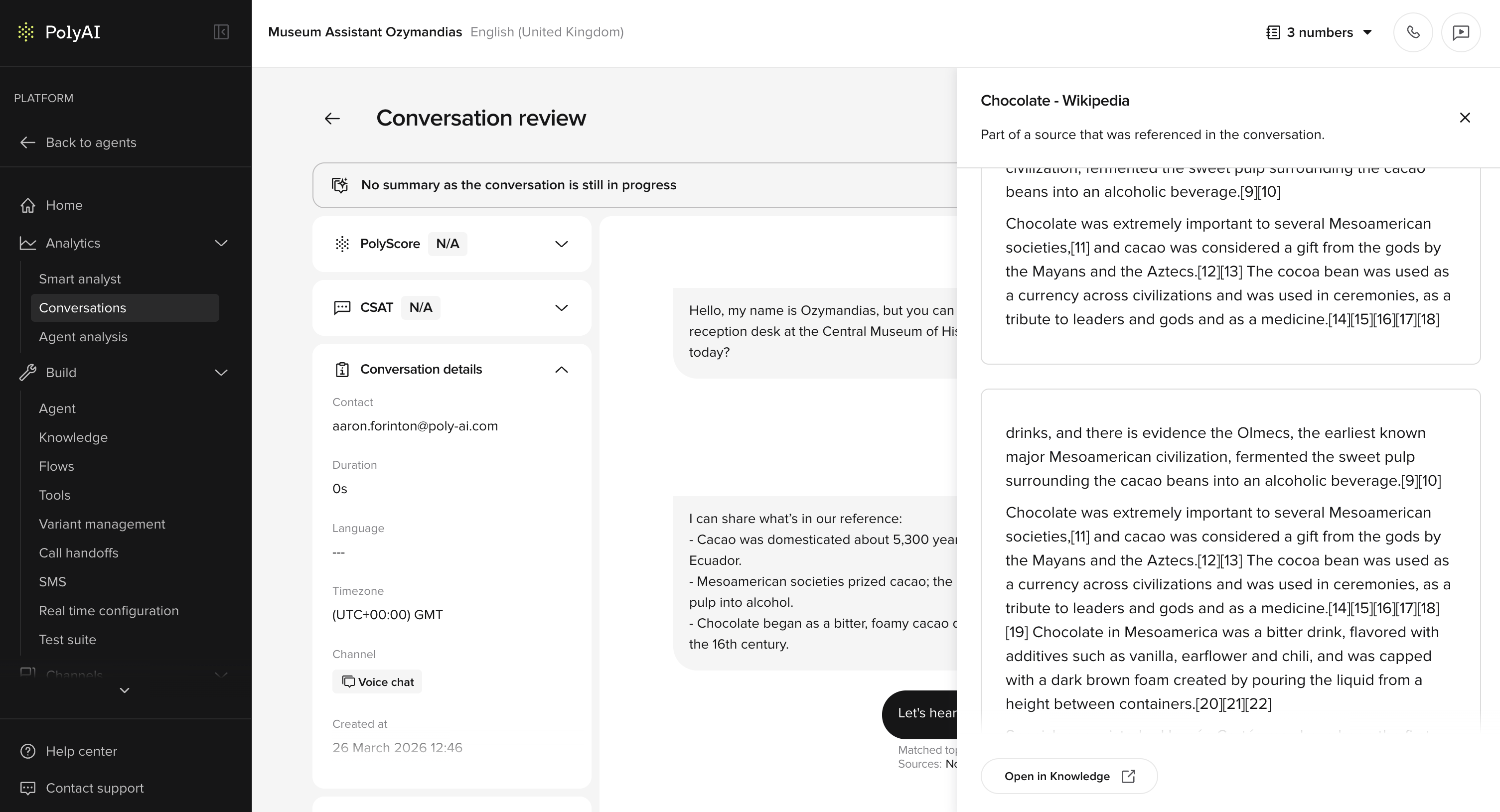
- Sources tag appears beneath each turn, alongside Matched topics.
- Click any source name to open an inline preview panel.
- The panel shows the retrieved text chunks from the source document.
- An Open in Knowledge button links directly to the source in the Knowledge area.
- Toggle Sources in the Diagnosis dropdown to show or hide this layer.
- See exactly what content the agent was working from on any given turn.
- Faster debugging when retrieved content is unexpected or incomplete.
- No need to leave Conversation Review to check the source document.
Smart Analyst deep sampling
Smart Analyst deep sampling
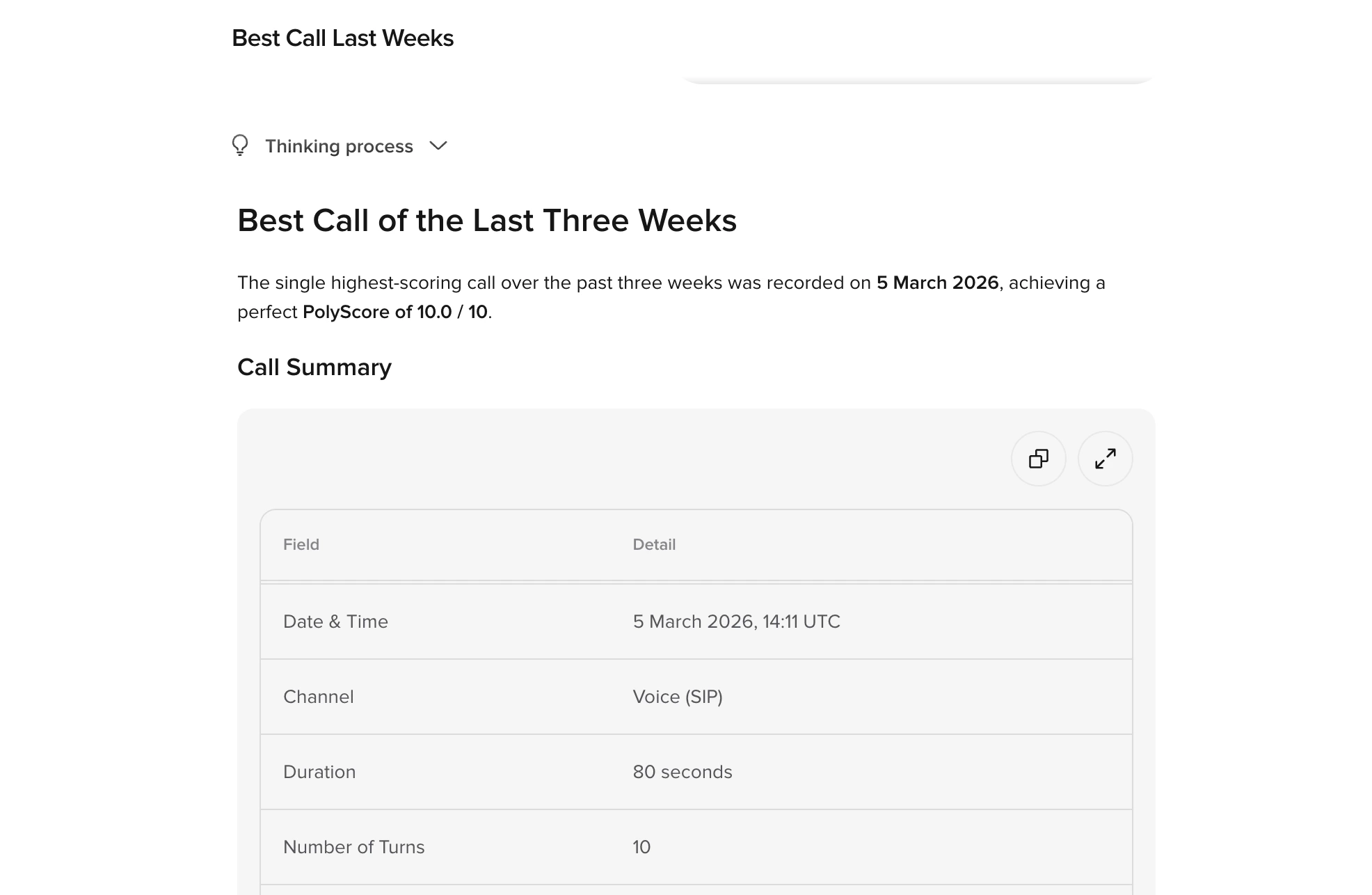
- Analyze up to 500 conversations per query (previously 50).
- Conversations are sampled either randomly or based on a metric / PolyScore.
- Ask questions like “What do customers complain about?” or “How can we reduce handoffs where users ask to speak to a human?”
- Get directional insights on behavior frequency where no metric is present.
- Deep sampling helps uncover patterns that smaller samples might miss.
- Identify common complaint themes across a large sample
- Analyze handoff reasons with statistically meaningful data
- Discover edge cases and rare conversation patterns
- Validate hypotheses about customer behavior at scale