

X-API-KEY header. One key works for either server.
Get an account API key
1
Open the API Keys page
Go to the API Keys tab on your workspace homepage in Agent Studio. See API keys for details.
2
Create a key
Select API key, name it, choose the agents it can access, and set its permissions. Scope it to the least it needs — see Security & safe use.
3
Copy the value
The full key is shown only once. Copy it immediately and store it in your client’s secret settings — never paste it into a chat prompt.
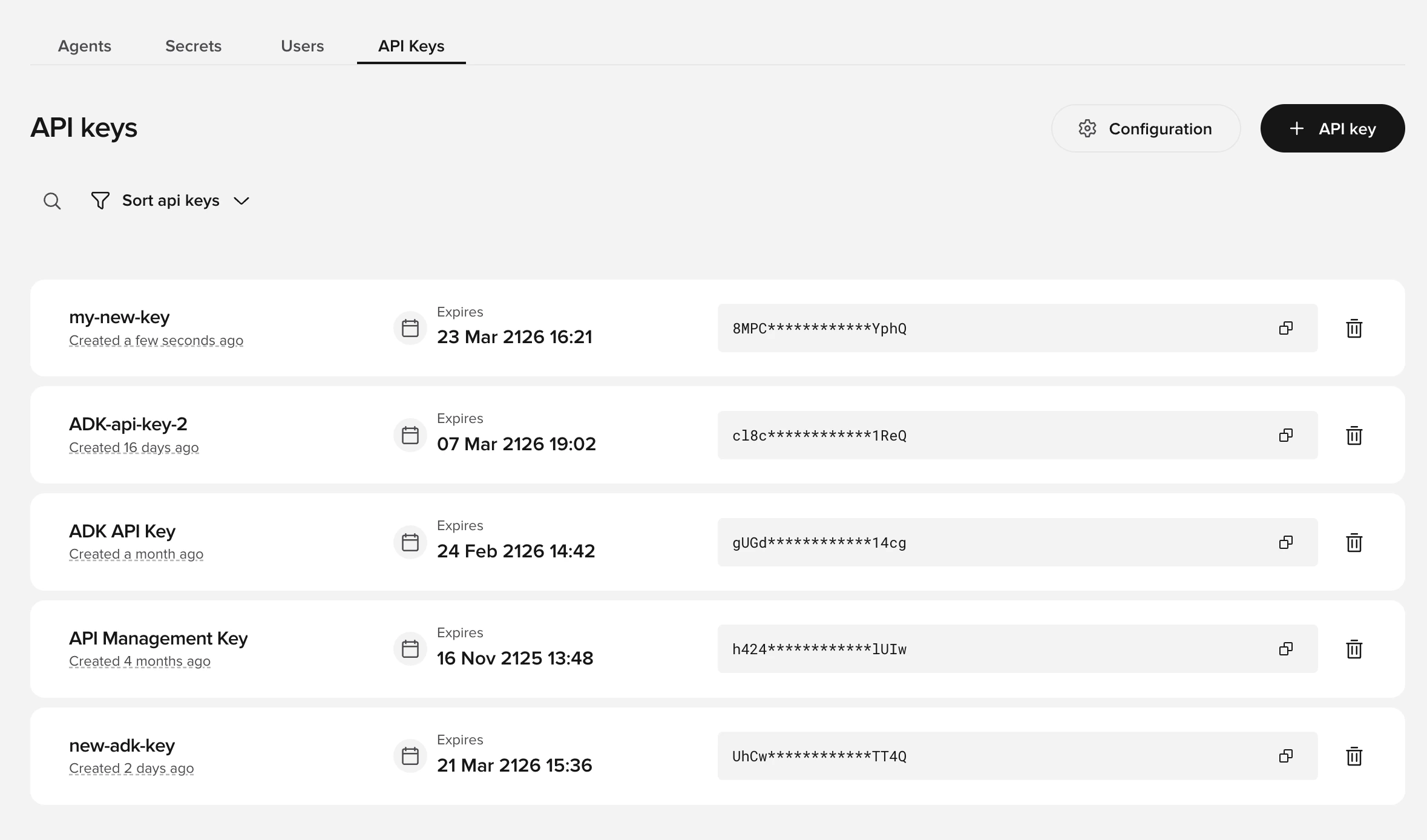
The API Keys tab on your workspace homepage in Agent Studio.
Configure your client
Pass the key in theX-API-KEY header. Both servers use the streamable HTTP transport, so clients also send an Accept header:
Most clients set
Accept automatically. See Quickstart for per-client configuration.